Country-Based Links: Send Visitors to the Right Page
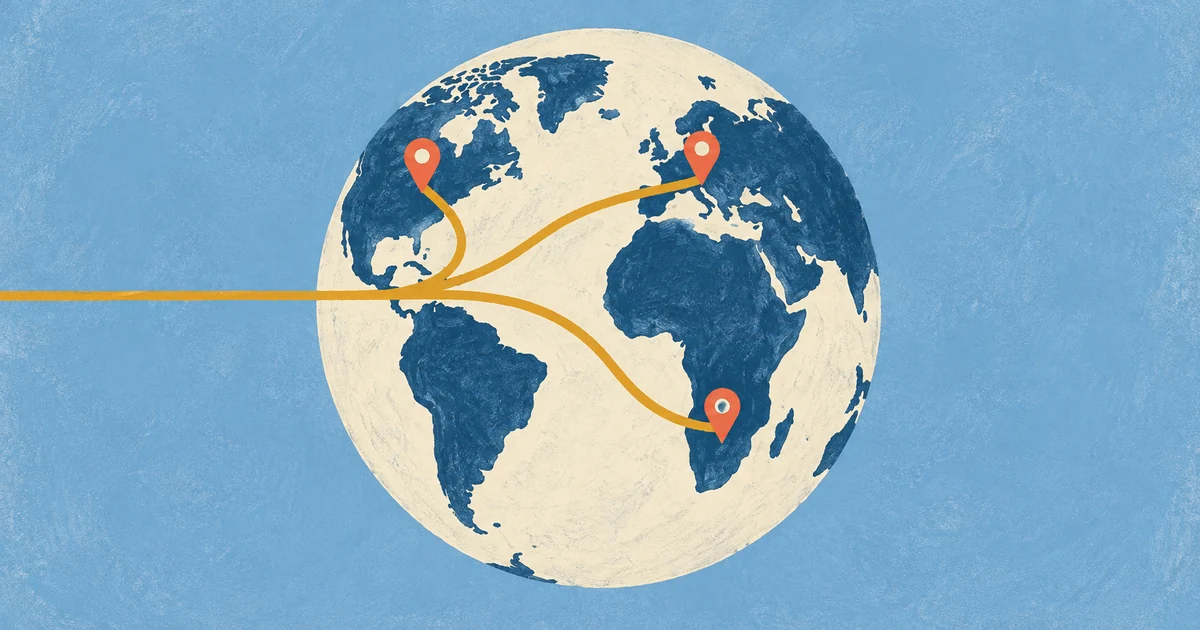
Route one shared campaign link to the right page for each country.
Country-based routing can direct visitors in Japan to a Japanese page and visitors in other countries to the relevant local page. Set a default URL for requests whose country cannot be identified and for link previews.
You can update a destination even after sharing the link in ads, emails, or printed materials. Choose the country destinations and default URL, then follow the setup steps in chck.my.
How to route one link to different pages by country
- You attach a list of "country code → URL" pairs to a single short link. If the visitor's country is on the list, they go to that URL. If not, they go to the default URL.
- The default URL matters most. Unlisted countries, visitors whose country can't be determined, and bots all land there.
- In chck.my this starts at Pro ($9.49/month), with up to 50 countries per link.
- Country is detected from the visitor's IP address. Someone on a VPN or a corporate network routed through another country may see the wrong page.
- This is not the same as hreflang. Routing clicks and telling search engines which language version to show are two separate jobs.
When country-based links are useful
Use country-based routing when one link is shared across several countries.
- Language-specific landing pages. Use one campaign link to direct visitors to a page in their language.
- Regional stores or pricing. Set different storefronts, currencies, or prices for each market.
- Shipping information. Direct visitors outside your shipping regions to a page that explains where you deliver.
- Staggered launches. Send visitors in countries that are not live yet to a waitlist page, then update the destination on launch day.
Fill in a small table first
Before opening the settings, map each country, code, and destination in a three-column table.
| Country | Code | Destination |
|---|---|---|
| Japan | JP | Japanese landing page |
| Germany | DE | German landing page |
| United Kingdom | GB | English page with UK pricing |
| Everyone else | (default URL) | English landing page |
Use the two-letter ISO country codes. For the United Kingdom, enter GB rather than UK.
Set the default URL for all other requests first. It applies to unlisted countries, requests without a detectable country, and link-preview crawlers. Choose a page that works for visitors across markets, such as an English page or a language selector.
Setting it up in chck.my
- Create a short link in the dashboard or open an existing one. Enter the default URL in the destination field.
- Expand Advanced options in the link editor and open Country destinations.
- Enter the country codes and URLs as JSON.
{
  "JP": "https://example.com/ja/campaign",
  "DE": "https://example.com/de/campaign",
  "GB": "https://example.com/en-gb/campaign"
}- Save the settings. If the JSON format is invalid, an error appears below the field.
Enter the country codes and URLs from your table as JSON. Check these three rules before saving:
- Country codes must be two uppercase letters. Lowercase like
jpis rejected on save. - Up to 50 countries per link.
- Every country URL goes through the same safety checks as the default URL. Private IPs and other shorteners' URLs aren't allowed.
Changes apply from the very next visit, because redirect responses are marked not to be cached by the browser. You can add a country mid-campaign and keep using the links and QR codes already out there.
Saved country destinations continue to work after a Pro downgrade. Pro is required to add or edit destinations.
Country routing takes priority over device routing
A chck.my link can also use iOS or Android destinations or an app install page. When several rules are configured, they are checked in this order:
- The visitor's country, if it's on your list
- App link settings (store redirect or install page), if an app is attached
- iOS or Android destination
- Default URL
Country destinations take priority over OS destinations, so a link cannot use country and device as simultaneous conditions. For example, if Japan is on the country list, every visitor from Japan goes to the same URL regardless of device.
For apps that need per-country store links, point each country to a local landing page with store buttons on it. OS routing on its own is covered in one app download link for the App Store and Google Play.
Set up country-based links for international campaigns
VPNs change the country
Country routing uses the country value Cloudflare attaches based on the request IP address. A VPN or a connection through an overseas office network can place a visitor in a different country, so provide a language or region selector on each page.
You can switch countries on a VPN and open the link to check each routing rule.
Bots and previews go to the default URL
chck.my treats a request as a bot if its User-Agent contains words like bot, crawler, spider, or preview, or looks like Facebook's link fetcher. Bots skip country and device routing and go straight to the default URL.
When a messaging or social app uses a crawler identified as a bot to build a preview, the card shows the title and image from the default URL page. A crawler that does not identify as a bot may be routed based on the country of its server. Set a share title and image on the default URL to manage link previews consistently.
It doesn't replace hreflang
For a multilingual site, hreflang tags tell search engines which page is the version for each language. Country-based links do not replace them: routing directs visitors who click a link, while hreflang identifies the language page for search results.
Reviewing traffic by country
To review traffic by country, add country-specific UTM tags to destination URLs and use GA4.
{
  "JP": "https://example.com/ja/campaign?utm_source=instagram&utm_medium=social&utm_campaign=fall_sale&utm_content=jp",
  "DE": "https://example.com/de/campaign?utm_source=instagram&utm_medium=social&utm_campaign=fall_sale&utm_content=de"
}
Add the country code to utm_content to identify which country destination brought a visit. If the link leads to an app store or an external marketplace, GA4 on that site cannot report the visit. See using UTM tags with short links and GA4 for details.
For a broader comparison of shortener features and pricing, see the URL shortener comparison.
Country-routing checklist
Set a default URL, map each country code to its destination, and add a language selector to each page. Requests without an identifiable country and bot or preview visits also use the default URL, so choose a page that works for visitors across markets.