One App Download Link for iOS and Android
Route iPhone and Android users to their stores from one link, with a path for desktop visitors.
A single link makes it easier to promote an app across channels. Sharing separate App Store and Google Play URLs asks visitors to choose the right one for their device, while some profiles, such as Instagram bios, allow only one link.
An app link can route visitors to the right store or web page based on their device and the settings you choose. The steps below explain how to configure it and select a routing mode.
Can one download link send iPhones and Androids to different stores?
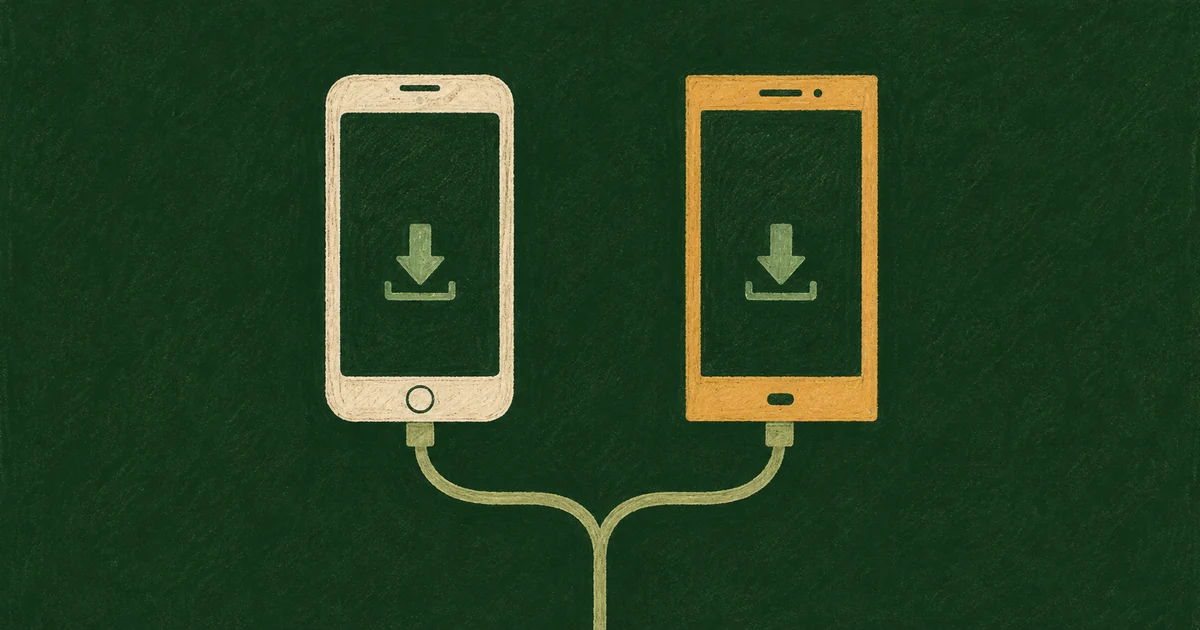
- The link routes iPhones to the App Store and Android phones to Google Play based on the device.
- On chck.my, set separate destinations for each OS on a link, or register an app once and attach it to multiple links. Both options require Pro ($9.49/month).
- With app connection enabled, desktop visitors see an install page, except when the routing mode is set to the web URL. Its QR code opens the same short link on their phone and routes to the right store.
- App download links route visitors to the store for their device and can show an install page on desktop. Test the route on the devices and channels you plan to use.
- Before sharing, check the link on a real iPhone and Android phone, including inside KakaoTalk and Instagram. iPads may be treated as desktops.
How does a link tell an iPhone from an Android?
A browser sends a User-Agent string with information about the device and browser. If it identifies an iPhone, the iOS destination applies; if it identifies Android, the Android destination applies.
Safari on iPadOS may identify itself as a Mac by default, so an iPad visitor can be classified as desktop. With app connection enabled, the install page provides an App Store button.
Set a separate destination for each operating system
Create a short link, open its advanced options, and enter the three destinations.
- Default destination: enter your app website. Desktop visitors and other devices use this URL.
- iOS destination: enter your App Store URL.
- Android destination: enter your Google Play URL.
This setup works well for one app with a handful of links. To guide desktop visitors toward the app, set the default destination to a page with store buttons or a QR code.
If you run many links, register the app first
To avoid entering store URLs for every campaign link, save the app details in the dashboard’s Apps section and select the app from each link.
- Enter the app name, description, and an icon (PNG, JPEG, WebP, or GIF, up to 2 MB).
- Enter the App Store and Google Play URLs. Either URL is sufficient to save the app.
- Enter a default web URL for visitors who continue without opening the app.
- In the link editor, open App connection, select the app, and choose a routing mode.
Store URLs are validated, so check them against the formats below.
| Store | Accepted | Rejected |
|---|---|---|
| App Store | https://apps.apple.com/us/app/your-app/id123456789 or https://apps.apple.com/app/id123456789 | Old itunes.apple.com links, other short links |
| Google Play | https://play.google.com/store/apps/details?id=com.example.app | URLs with no id or two of them, search result URLs |
Check the numeric id at the end of the App Store URL and the id=package.name value on Google Play. Older itunes.apple.com URLs are not supported. Copy a current URL from App Store Connect or the store’s share option.
Pick one of three routing modes
| Mode | iPhone and Android | Desktop and other devices |
|---|---|---|
| Go straight to the store | Their own store | Install page |
| Show the install page | Install page | Install page |
| Go to the web URL | Default web URL | Default web URL |
In most cases, Go straight to the store opens the relevant store in one tap. If the Android version is not listed yet, Android visitors see the install page with a note that no store is registered for their device and a web URL.
Show the install page displays your app icon and campaign message before visitors continue. Set the headline and message for each link. Go to the web URL routes visitors to the default web page while keeping the app connection in place.
On desktop, the install page shows one QR code for the short link itself, plus App Store and Google Play buttons. The QR points at the short link rather than a store URL, so scanned on a phone, it gets routed again to that phone's store.
If you also use country-specific destinations, the country rule wins over app routing. The full order is in one link, a different page for each country.
Bots see the default URL
Visits identified as bots skip OS and app routing and get the default URL. A link-preview crawler that is identified as a bot can therefore pick up your default page's title and image instead of the store listing. Make your default URL a proper landing page with a good Open Graph image.
OS routing and plan comparison
OS routing is available across multiple services. Bitly includes mobile deep linking from its Premium plan, priced at $199/month billed annually ($2,388/year) or $300 month to month, along with city- and device-level click data. TinyURL’s pricing page does not list OS or country routing. These details were checked against official pricing pages in October 2026.
Opening a specific in-app screen after install or measuring attribution inside your app requires an SDK-based deep-linking setup. For store campaign reporting, chck.my passes UTMs in each store’s format: to Google Play as an encoded referrer when none is already present, and to the App Store as ct when the registered URL has pt but no ct. Existing values are preserved. Review installs in Play Console or App Store Connect; GA4 does not directly report store installs. For web destinations, see our guide to UTMs and GA4.
Test the link on real devices before sharing
- Safari on a real iPhone and Chrome on a real Android phone, once with the app installed and once without
- Inside Instagram and any other app your audience uses, since in-app browsers can behave differently
- Open it on desktop and scan the QR code with your phone
- If there's no Android build yet, check that Android phones see the note that there's no store listing for their device
For launch preparation, see the app launch link checklist.
Compare shortener features and pricing in the URL shortener comparison.
App store link setup and routing modes
An app link can guide each device to its store and send other visitors to the page that fits their situation. Add the store URLs, choose a routing mode, then check the link on real devices and in the apps where you plan to share it.
Check the current product information for the latest pricing and features.